Email signature management for Google Workspace.
One dashboard to create, assign, and deploy branded signatures across your team. Lastline syncs employee details from your directory, so each person gets the right signature without setting it up themselves.
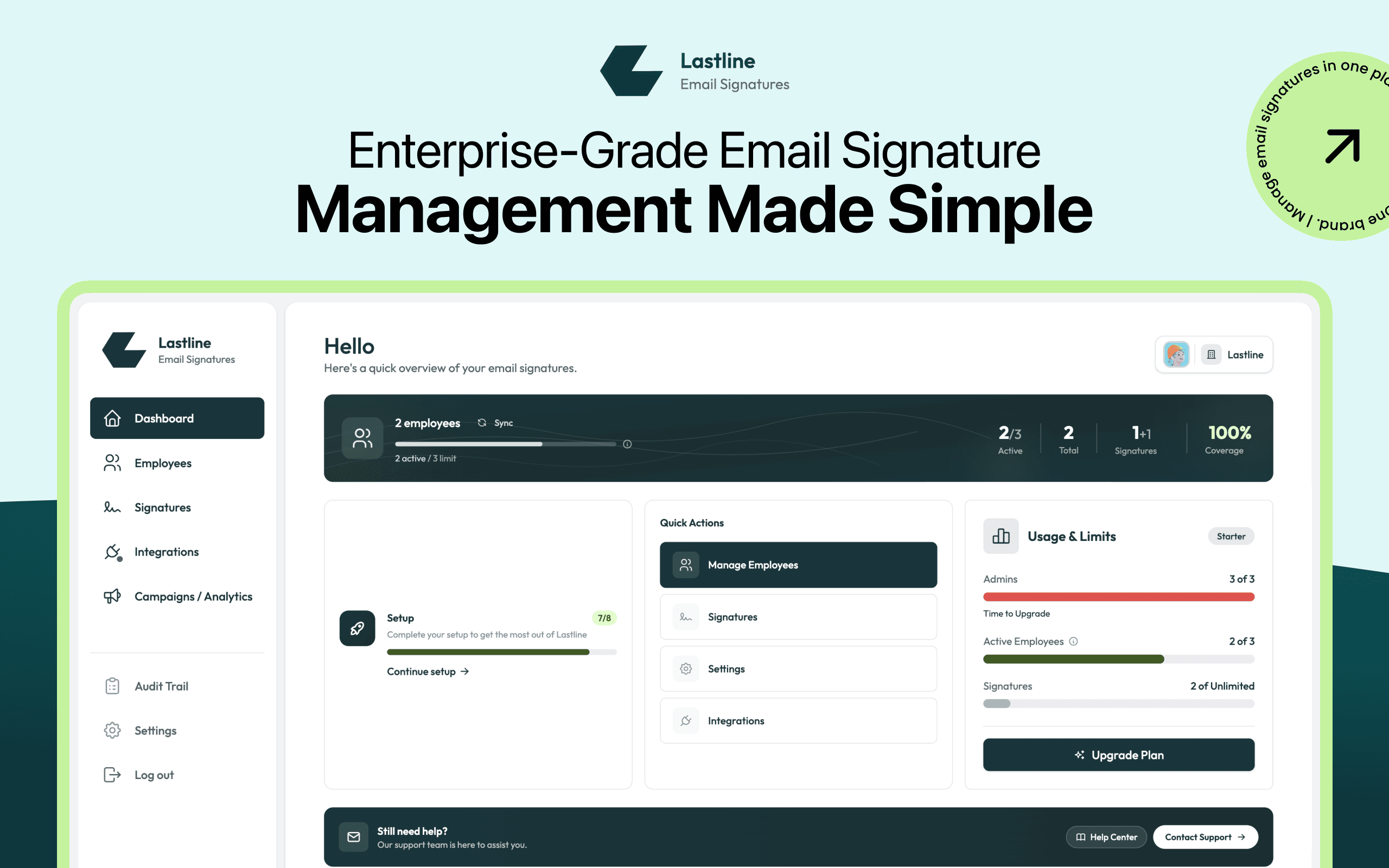
Signatures are a mess. Lastline makes them a system.
Most companies have no idea what’s sitting at the bottom of their employees’ emails. Lastline puts every signature under one admin.
- Everyone formats their own signature, their own way
- Outdated titles, old logos, missing legal disclaimers
- Every rebrand means emailing staff and chasing updates
- No one knows who has the right version
- One brand-approved design, locked across the company
- Names, titles & contacts pulled live from your directory
- Update once and deploy it to every inbox
- A live dashboard shows exactly who’s covered
Connect, design, and deploy.
Replace a mix of employee-made signatures without emailing setup instructions to the whole company.
Connect your Workspace
Sign in as an admin and authorize once. Lastline syncs your directory without asking each employee to configure anything.
- One-time admin authorization
- Auto-imports every employee
- Scoped, minimal permissions
Design your signatures
Start from a brand-approved template or generate one with AI. Dynamic fields pull each person’s details on deploy.
- WYSIWYG + HTML editor
- Dynamic name, title, contact fields
- Lock the brand, once
Deploy to everyone
Assign by rule and push to Gmail in one click. Update a banner or detail and it rolls out to every inbox.
- Assign by department or role
- One-click deploy to Gmail
- Update once, applies everywhere
Manage signatures from one dashboard.
See how Lastline handles employees, templates, rules, deployment, and audit history.
See coverage at a glance
See company-wide coverage, setup progress, and employees who still need attention in one view.
- Live coverage by department
- Setup checklist & quick actions
- Flags employees that need review

The same system for IT, marketing, and ops.
IT controls access and deployment. Marketing controls the design and campaigns. Operations keeps employee details current.
Connect once, then forget it
Directory sync, scoped permissions, and a full audit trail your security team will sign off on. No per-employee setup, ever.
Lock the brand, own the inbox
Lock brand-approved templates, then schedule and target campaign banners across employee email signatures.
Every hire covered on day one
New employees get the right signature automatically. No onboarding checklist, no inconsistent details, no follow-ups.
Turn every employee email into a campaign.
Schedule a banner, target it by team, and update every matching signature at once.
Design in Canva
Build banners in Canva and push them straight into signatures.
Schedule start & end
Set go-live and expiry dates so banners rotate automatically.
Target by team
Show the right banner to the right department or office.
Track clicks
See opens, clicks, and performance per campaign.
Permissions, encryption, and audit history.
Lastline limits access to the scopes required for directory sync and signature deployment, and records every change.
Data security
All data encrypted in transit and at rest, with role-based access and granular permissions.
SOC 2 Type II
Independently audited controls for security, availability, and confidentiality.
Complete audit trail
Log every change and export the history for compliance reviews.
Minimal scopes
We request the permissions needed to sync directories and deploy signatures. We do not access email content.
Data integrity
Signatures and employee details stay consistent and current across your whole organization.
Continuous compliance
Directory changes sync automatically, so coverage and accuracy never drift out of date.
We went from no idea who had the right signature to 100% coverage in an afternoon. Now a rebrand is one click instead of a week of chasing people.
Plans for individuals and teams.
Start free and roll out to your whole team without rebuilding your setup.
- 3 seats includedA seat is an employee or team member whose email signature is managed by Lastline.
- 10 signature templates
- Basic analytics
- 10 AI signature generations/mo
- Extra seats at $0.25/seat/mo
- Campaign management (not included)
- Priority support (not included)
- Up to 300 seatsA seat is an employee or team member whose email signature is managed by Lastline.
- Extra seats at $0.25/seat/mo
- All premium features included
- 50 AI signature generations/mo
- Campaign banners in signatures
- Track signature clicks
- Priority support
Compare all features ↓
Compare Starter and Grow.
Setup, security, and billing.
Put every company signature under one admin.
Connect Google Workspace, choose a template, and deploy it across your team.